How to Enable Anthropic AI Models in Microsoft 365 Copilot for EU Tenants for Cowork
I was experimenting with Cowork in my tenant just last week, so I was surprised when it suddenly stopped working.
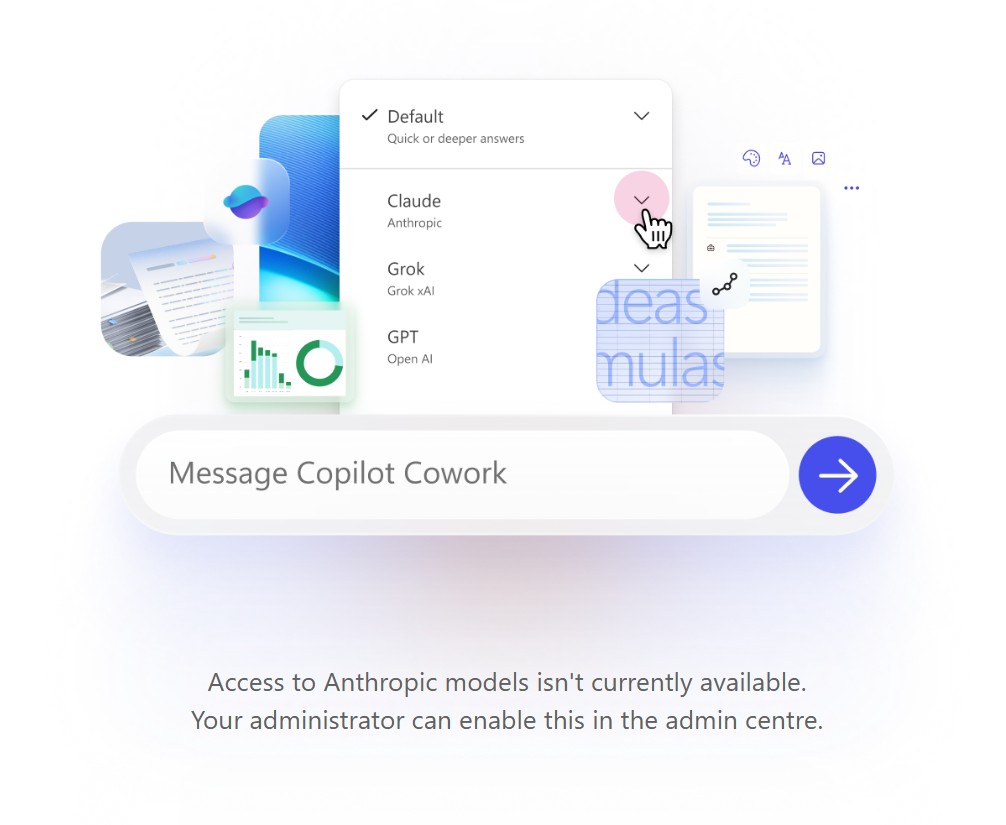
After digging a bit deeper, it turns out Microsoft has taken a clear stance: Anthropic AI models are currently restricted by default due to GDPR considerations, particularly around data processing outside the EU.
Why Are Anthropic Models Disabled?
For EU-based tenants, Microsoft has disabled Anthropic AI models by default to ensure compliance with GDPR and data sovereignty requirements. Because Anthropic processes data outside the EU, enabling these models requires an explicit acknowledgement of the compliance implications from an administrator.
How to Enable Anthropic Models
You can still enable them, but only after explicitly accepting the compliance terms. Here’s how:
- Navigate to the Microsoft 365 Admin Centre
- Go to Copilot Settings > View All > AI providers operating as Microsoft subprocessors
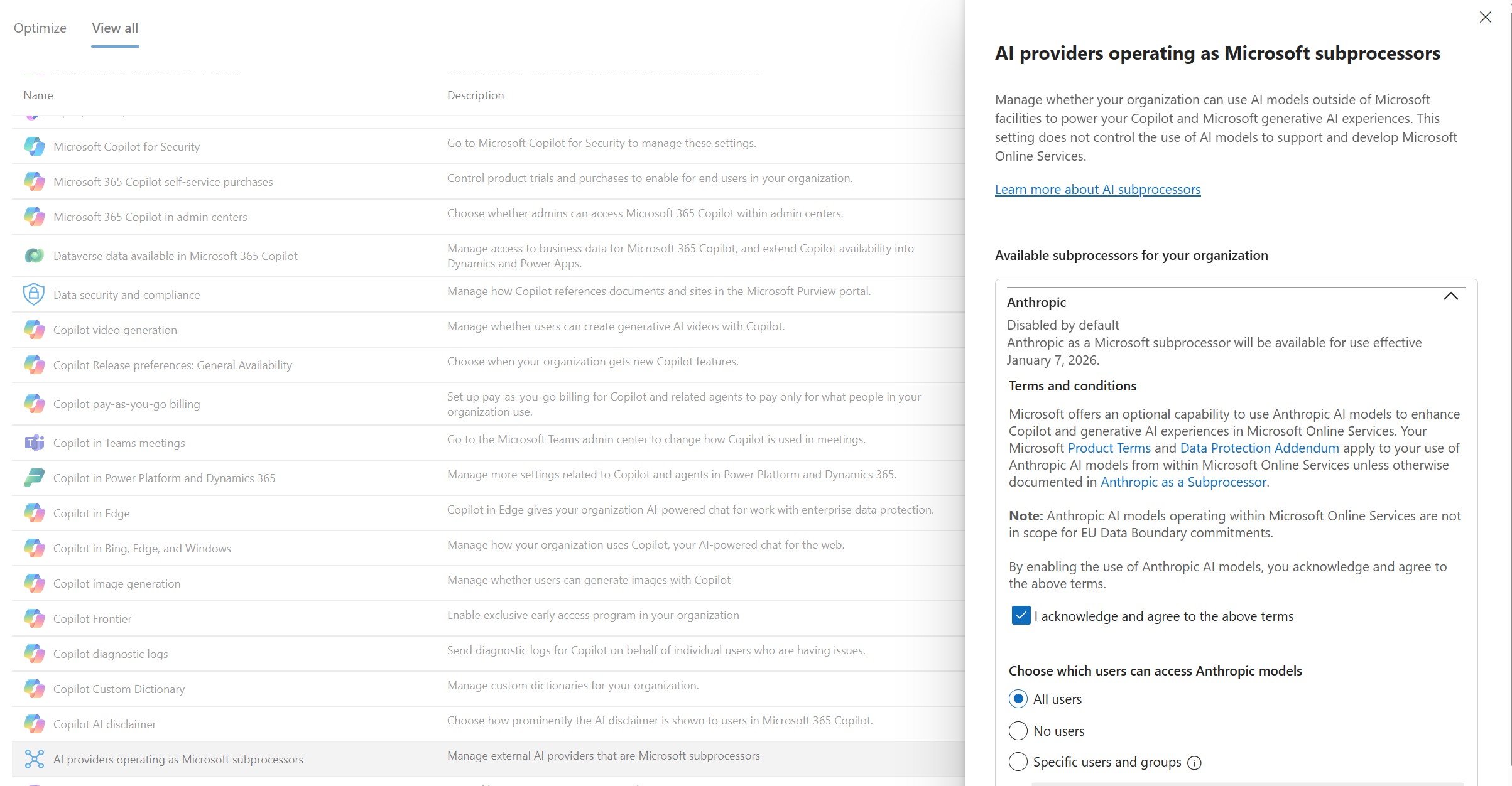
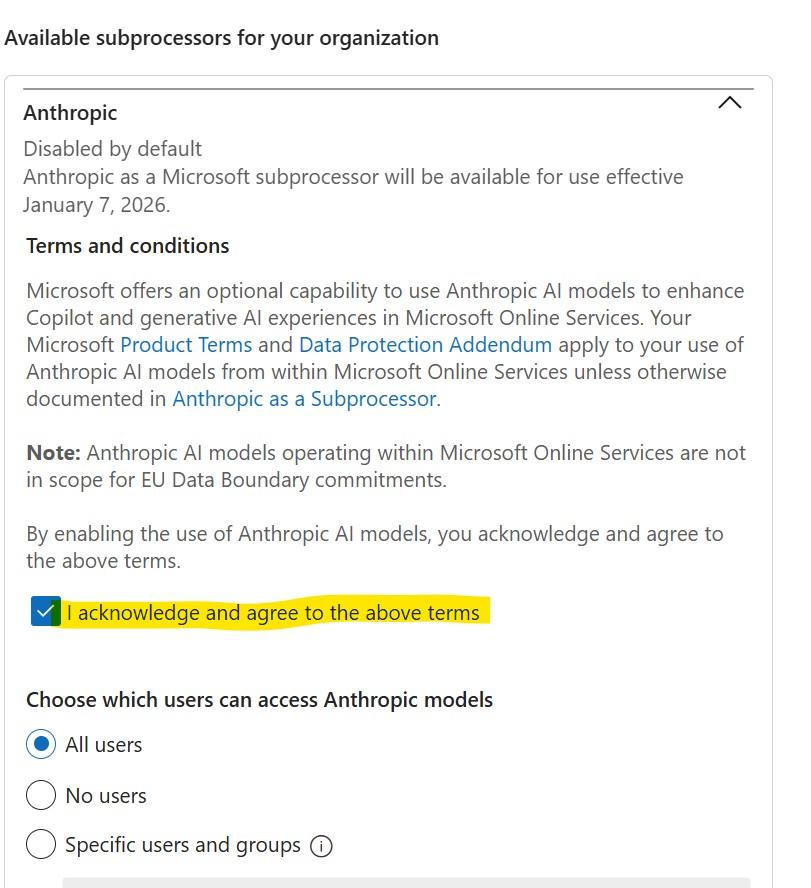
- Enable Anthropic models after reading, acknowledging, and agreeing to the terms
Key Takeaway
This is a strong reminder of how data protection and regulatory alignment are shaping AI adoption in the enterprise. It’s not just about capability - it’s about data residency and data sovereignty too.
As organisations adopt AI tools, administrators need to be proactive about understanding which models are in use, where data is processed, and what compliance obligations apply.
References
Anthropic as a subprocessor for Microsoft Online Services