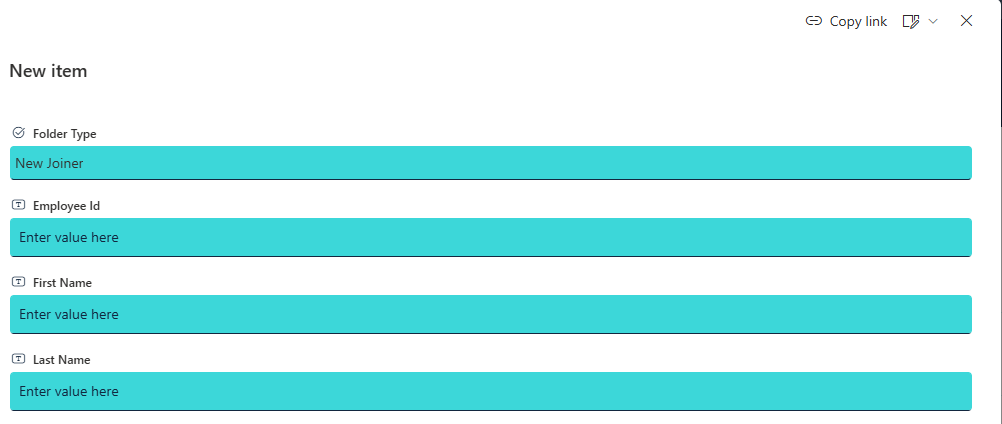
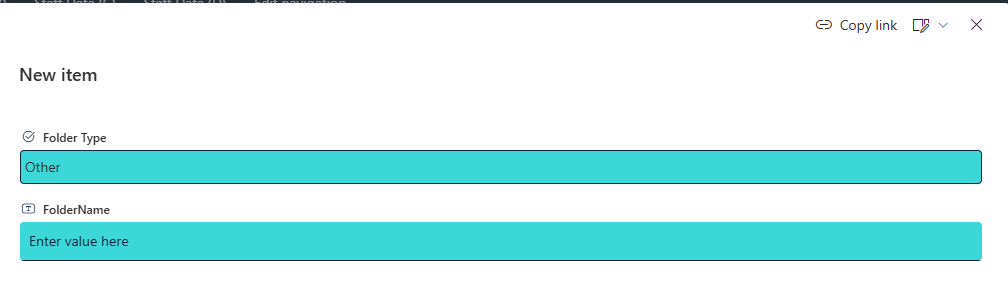
I had the requirement to show or hide columns within a list.
A couple of options
- Enable content type on the list/library which gives options to hide/show column as well as reorder columns within the list/library content type
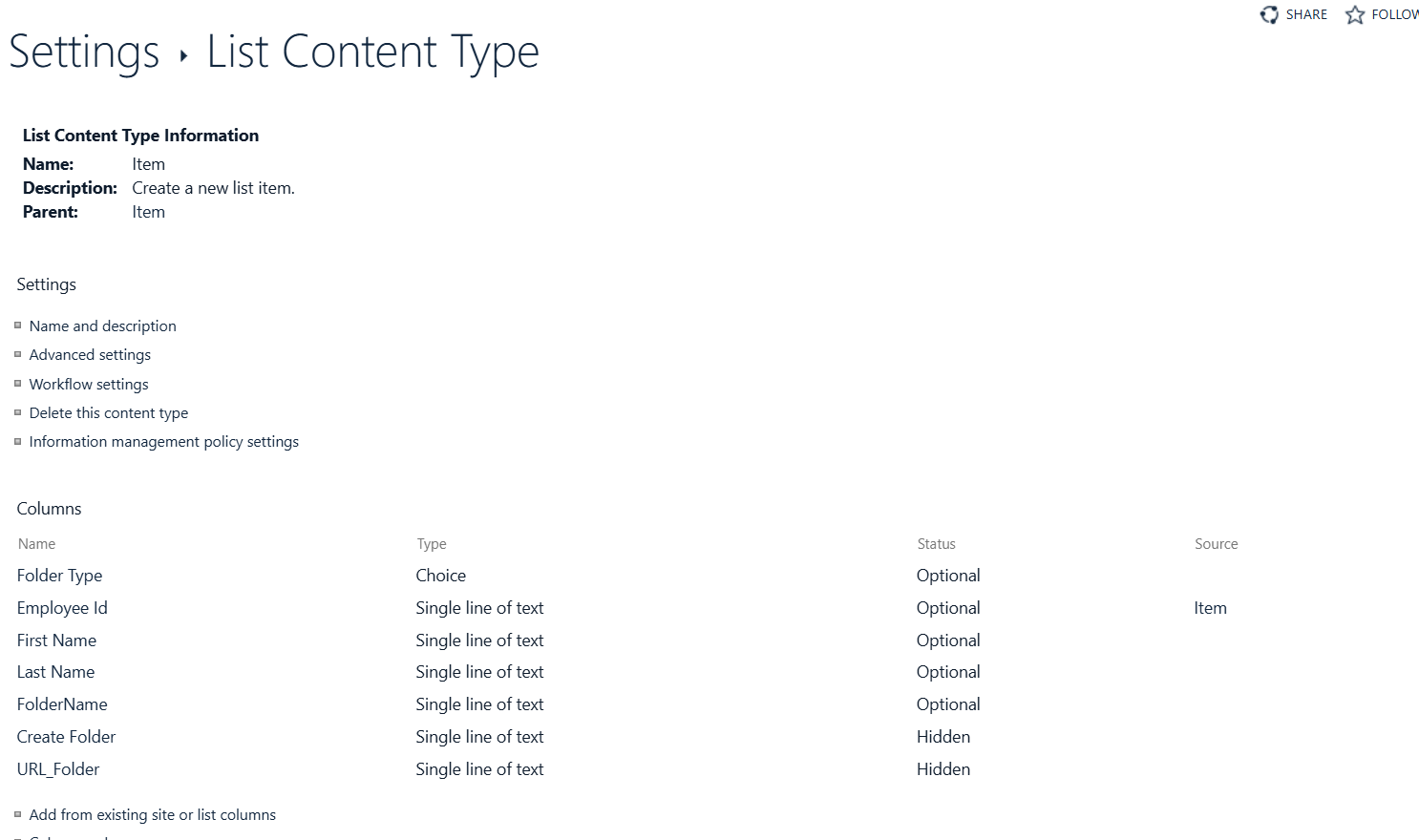
- Json
2.1 Go to the list or library for which you want to show or hide columns in the form.
2.2 If you are in a list:
2.3 Open an item to view the item details in the display form. If you are in a document library:
2.4 Select a file
In the Information Pane:
 Locate the Properties section.
Click Edit all.
At the top of the form, select Edit form > Edit columns.
Locate the Properties section.
Click Edit all.
At the top of the form, select Edit form > Edit columns.
=if([$FolderType] == 'Other', 'false', 'true')
Test