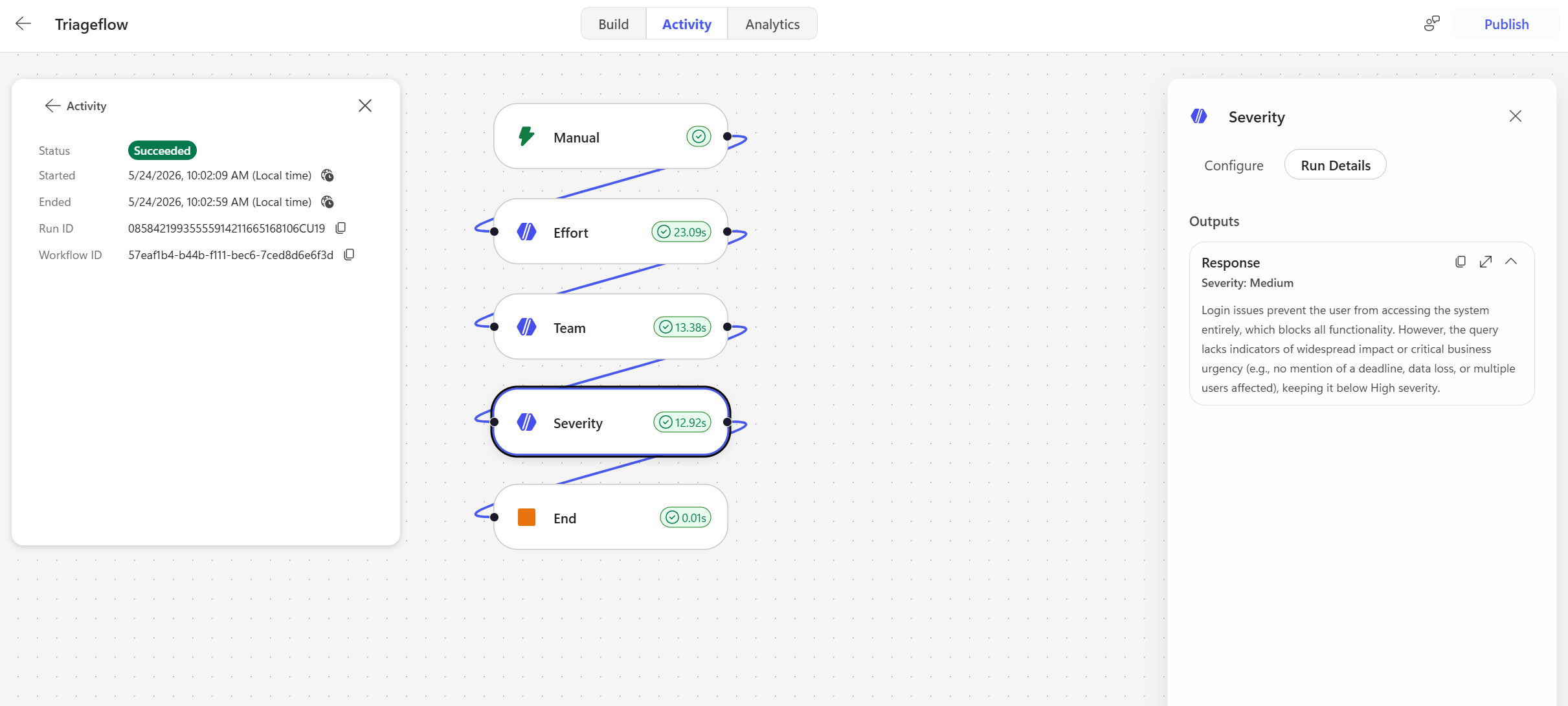
Copilot Studio Workflow - Inbuilt Agents
Overview
Copilot Studio now supports agentic workflows with inbuilt agents created directly inside the flow.
If you have used Microsoft Foundry Workflow, the experience will feel familiar: triggers, actions, inline testing, flow notes, and governance hooks all come together in one place.
Copilot Studio agentic workflows can connect to declarative agents using the #M365Copilot action or to custom agents built inside #CopilotStudio.
Add a “New agent for this workflow”
This post shows how to configure an inbuilt agent inside a Copilot Studio workflow.
1. Add a manual trigger
Start with a manual trigger so you can test the workflow directly. Add an input parameter named message.
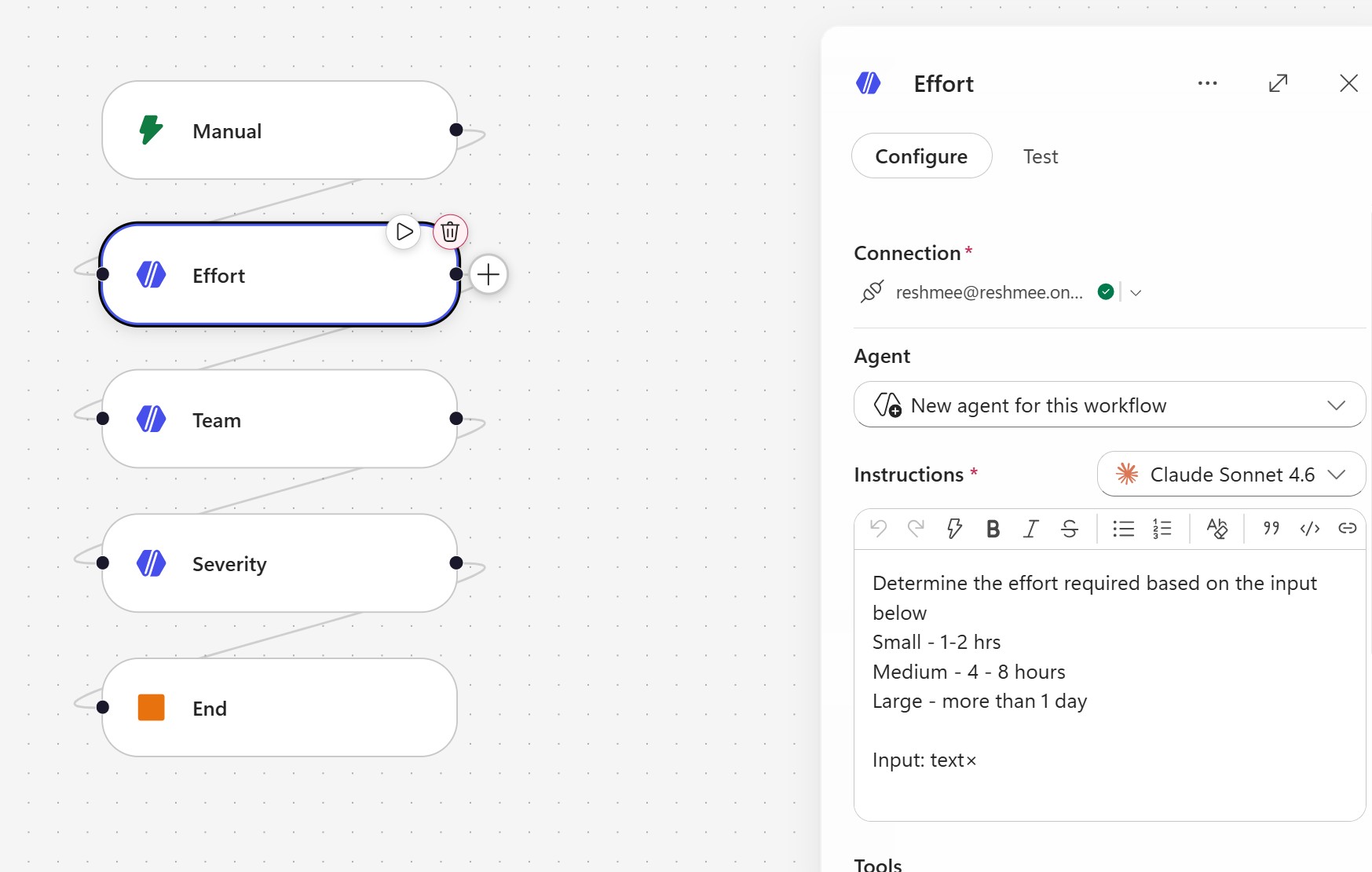
2. Add an agent
Leave the action set to the default New agent for this workflow.
Configure:
- Instructions
- Tools
- Knowledge
Request human assistance when unsure
Example:

3. Add additional agents as needed
You can chain multiple agents inside the workflow to handle triage, routing, classification, or escalation.
Test
Run the workflow from the designer and confirm each node completes successfully.