Fix 400 error while using Microsoft Foundry to Copilot Studio
After connecting a Microsoft Foundry agent to Copilot Studio, it may fail with a 400 error even though the connection itself looks correct.
In my case, Copilot Studio returned this message:
Error Message: The connector 'Azure AI Foundry Agent Service' returned an HTTP error with code 400. Inner Error: Agent imageanalyser endpoint does not support activity. Please update the agent endpoint to support this protocol. [Request ID: 2b48657361bf53a06e37ae96a2dcf789] Error Code: ConnectorRequestFailure Conversation Id: ad73179d-ccce-47b7-bd95-0054ff7c3cd7 Time (UTC): 2026-09-06T19:38:39.886Z
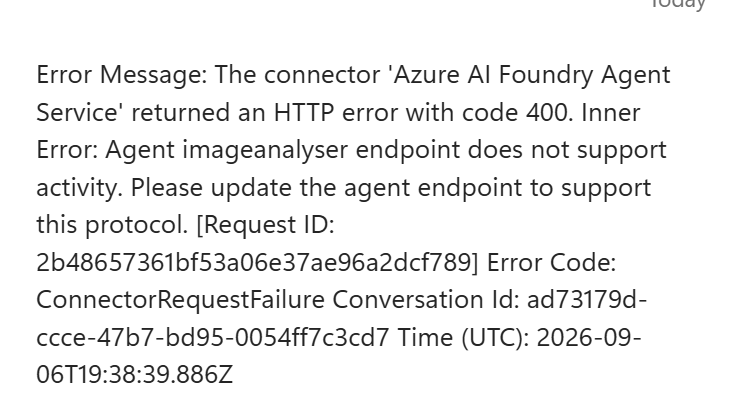
The important part of the message is this:
Agent imageanalyser endpoint does not support activity
That means Copilot Studio is trying to call the Foundry agent through the Activity Protocol, but the agent endpoint is only configured for the default protocol set.
According to Microsoft Learn, a Foundry agent connected from Copilot Studio must support the Activity Protocol. A newly created agent typically exposes Responses by default, and other protocols need to be configured on the stable agent endpoint.
Relevant documentation:
- Configure and share your Microsoft Foundry agent
- Connect to a Microsoft Foundry agent in Copilot Studio
However it could be misleading error as appending a trailing slash to the project endpoint seems to fix this error.
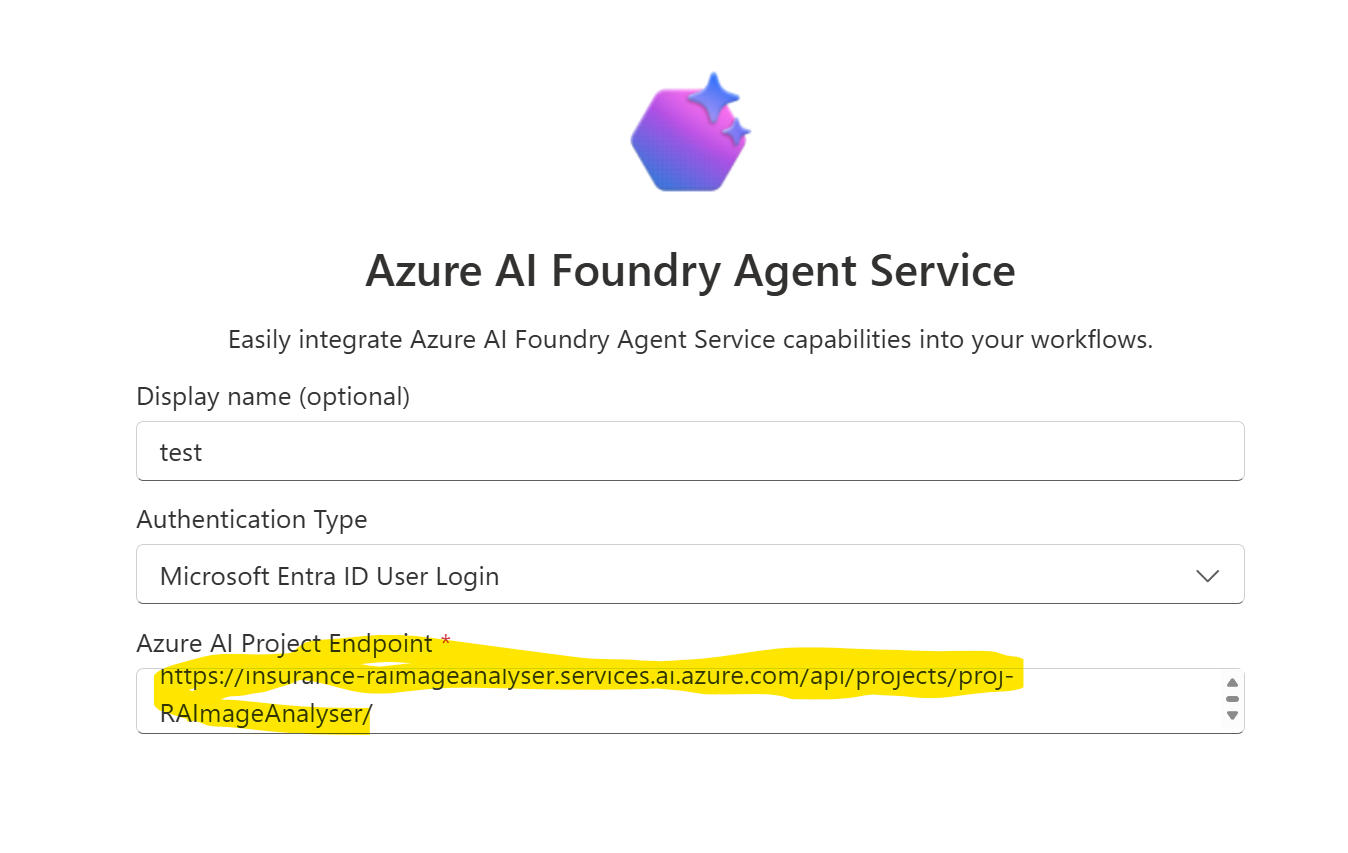
If you want the full connection flow, see Connect a Microsoft Foundry agent to Copilot Studio.
Summary
The 400 error may go away by appending the / at the end of project endpoint. If not you may dig deeper into whether the activity protocol is enabled on the Foundry Agent.