Copilot in SharePoint — Autofill Columns & List Creation
Summary
The Knowledge Agent can autofill metadata for files and generate SharePoint lists from content. By default it processes the first 20 files; you can select additional files and re-run Autofill to apply the same extraction over more items.
How it looks
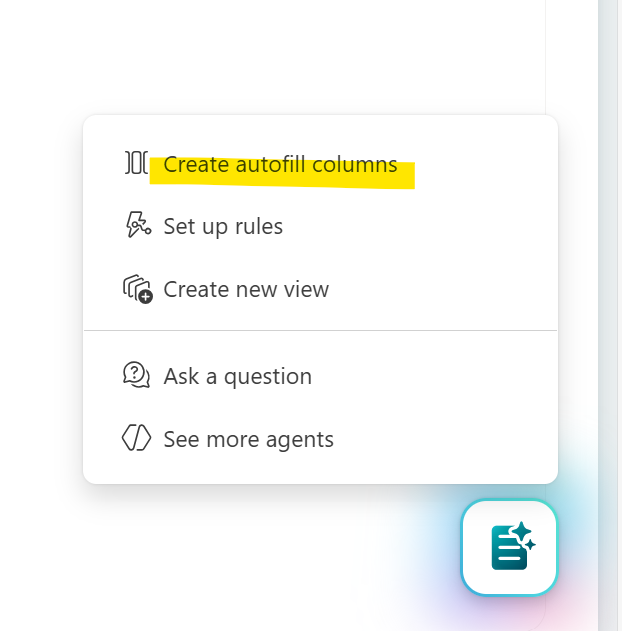
Create the following autofill columns (suggested)
Claim ID
Policy number
Claimant name
Address (UK cities)
Phone & email
Claim type (motor, health, property, travel, accident)
Incident date & location
Claim description
Claim amount (£)
Report date
Signature
Autofill behaviour
Initially, the agent applies autofill to the first 20 files only:
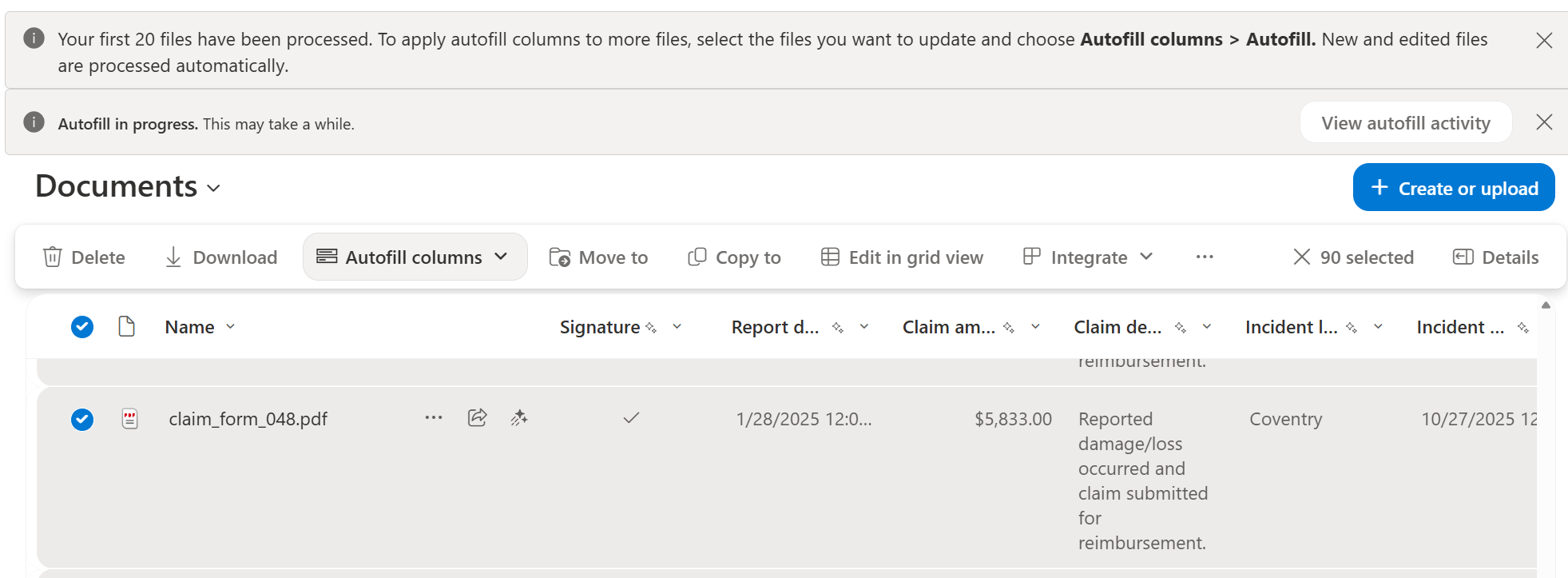
To apply autofill to more items, select the files you want to update and choose Autofill columns > Autofill. New and edited files are processed automatically.
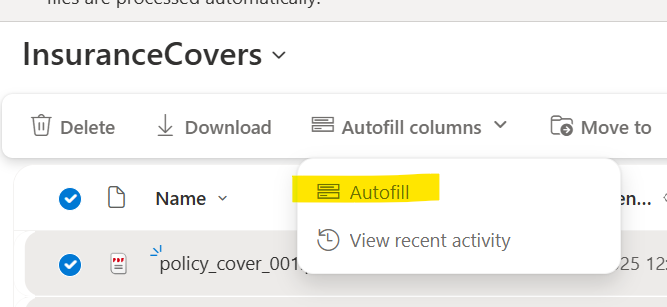
Long-running operations
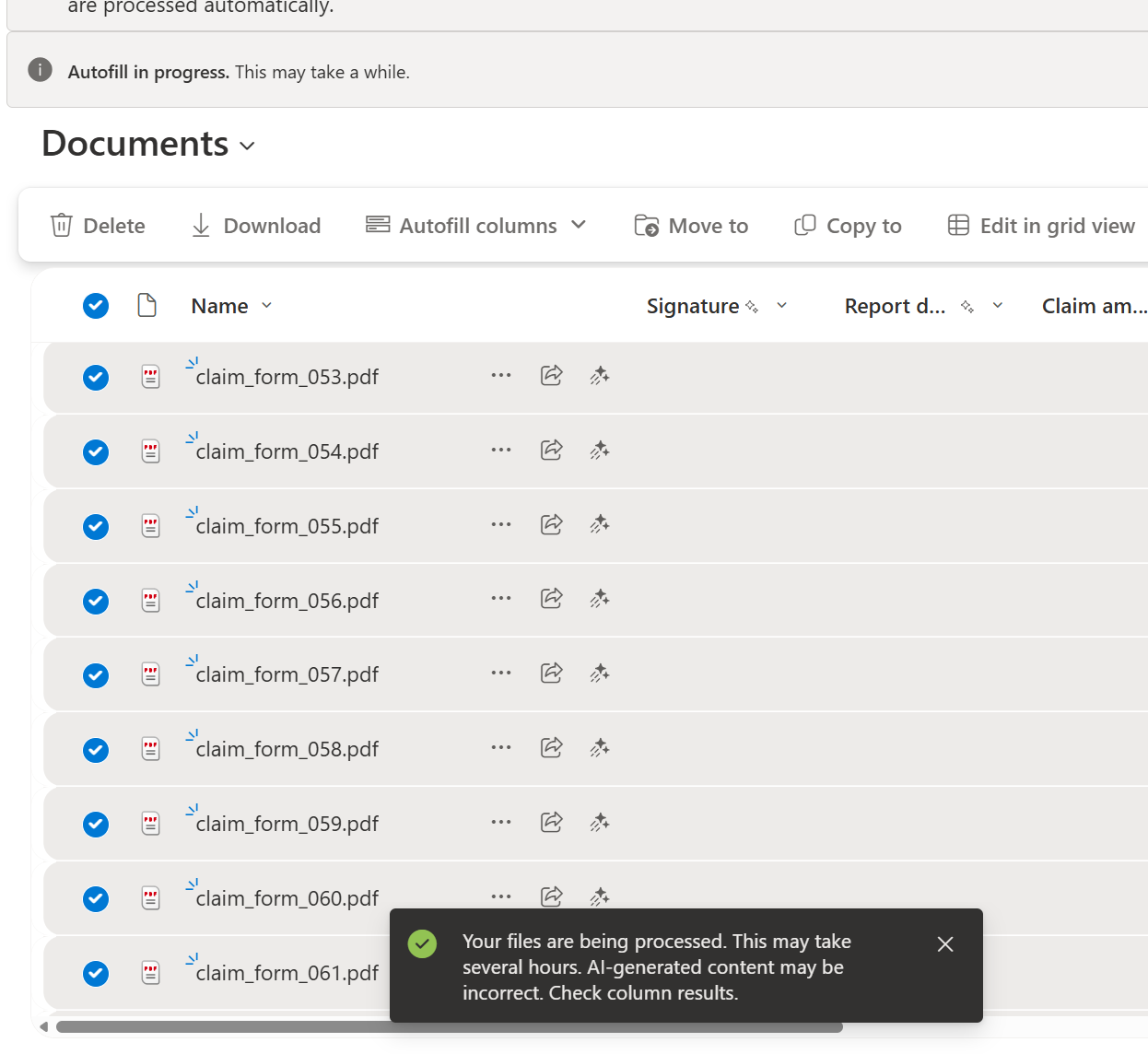
The UI may warn that processing will take several hours for large batches:
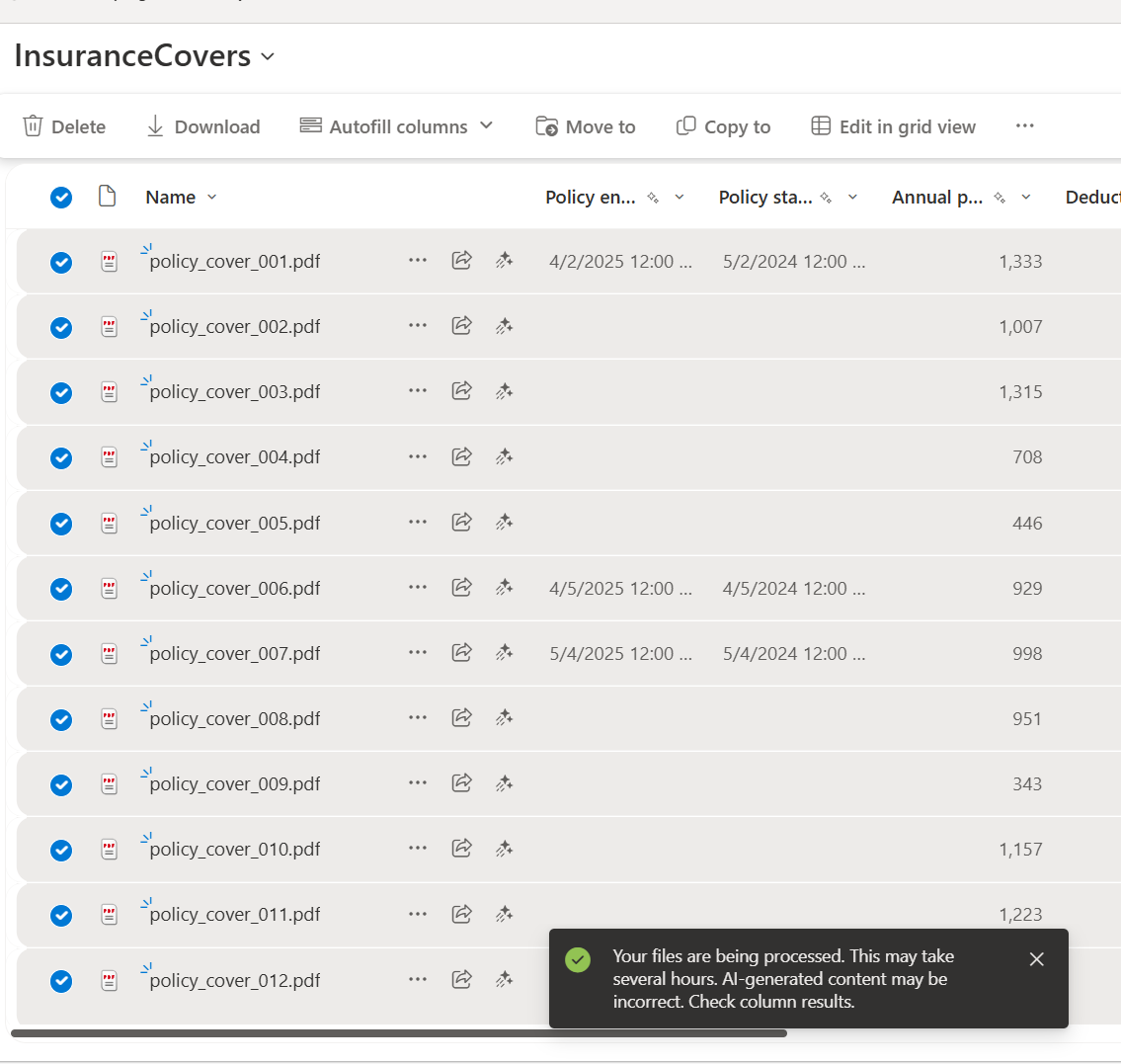
Progress is shown while files are being processed:
Generate a list from content
You can ask the agent to create a SharePoint list for a specific purpose (for example, insurance covers). The agent suggests internal names and display names for fields.
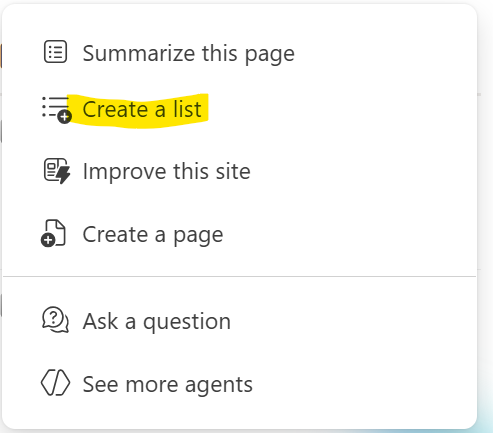
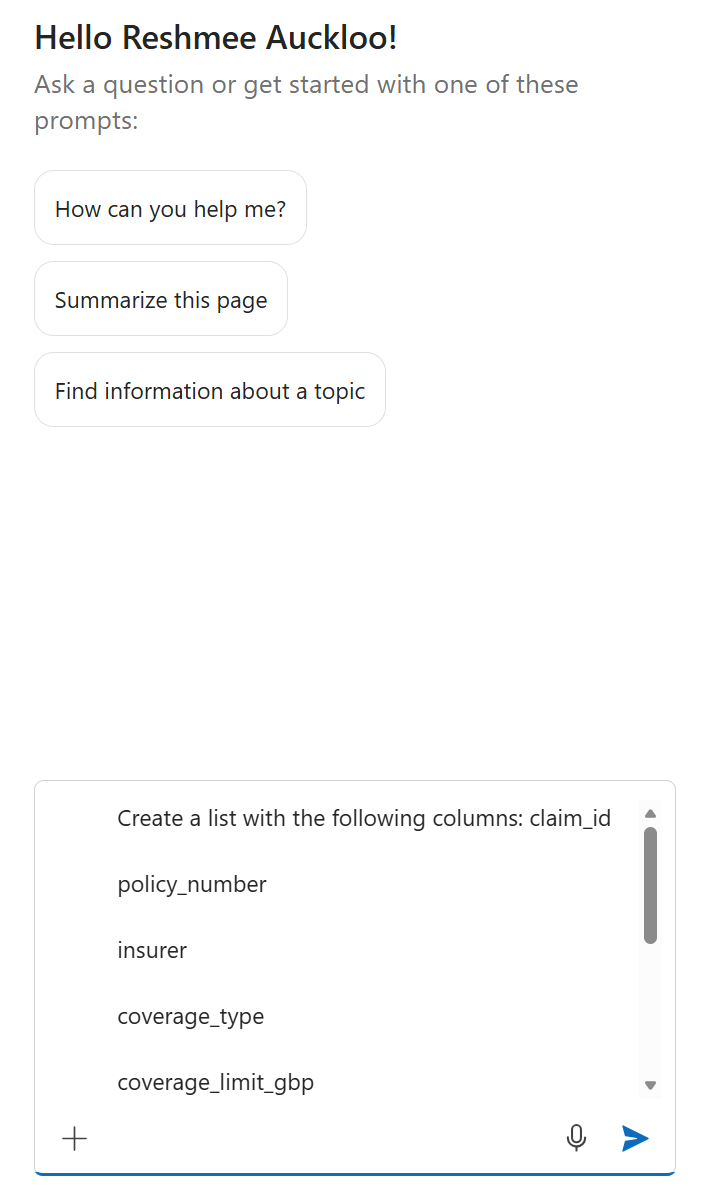
Example: requested fields for an insurance cover list
claim_id
policy_number
insurer
coverage_type
coverage_limit_gbp
deductible_gbp
annual_premium_gbp
policy_start_date
policy_end_date
status
Result and adjustments
The list is created automatically:
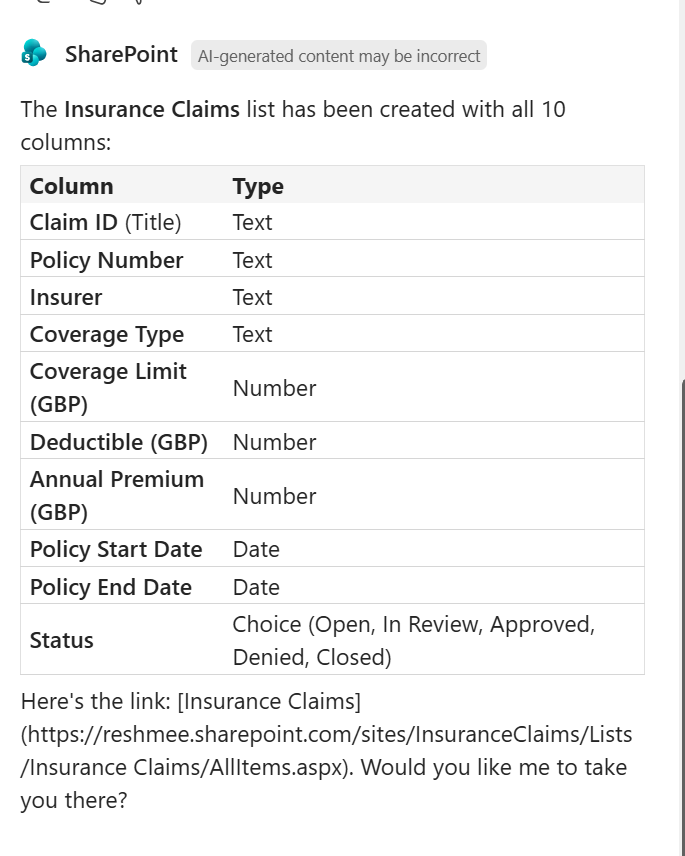
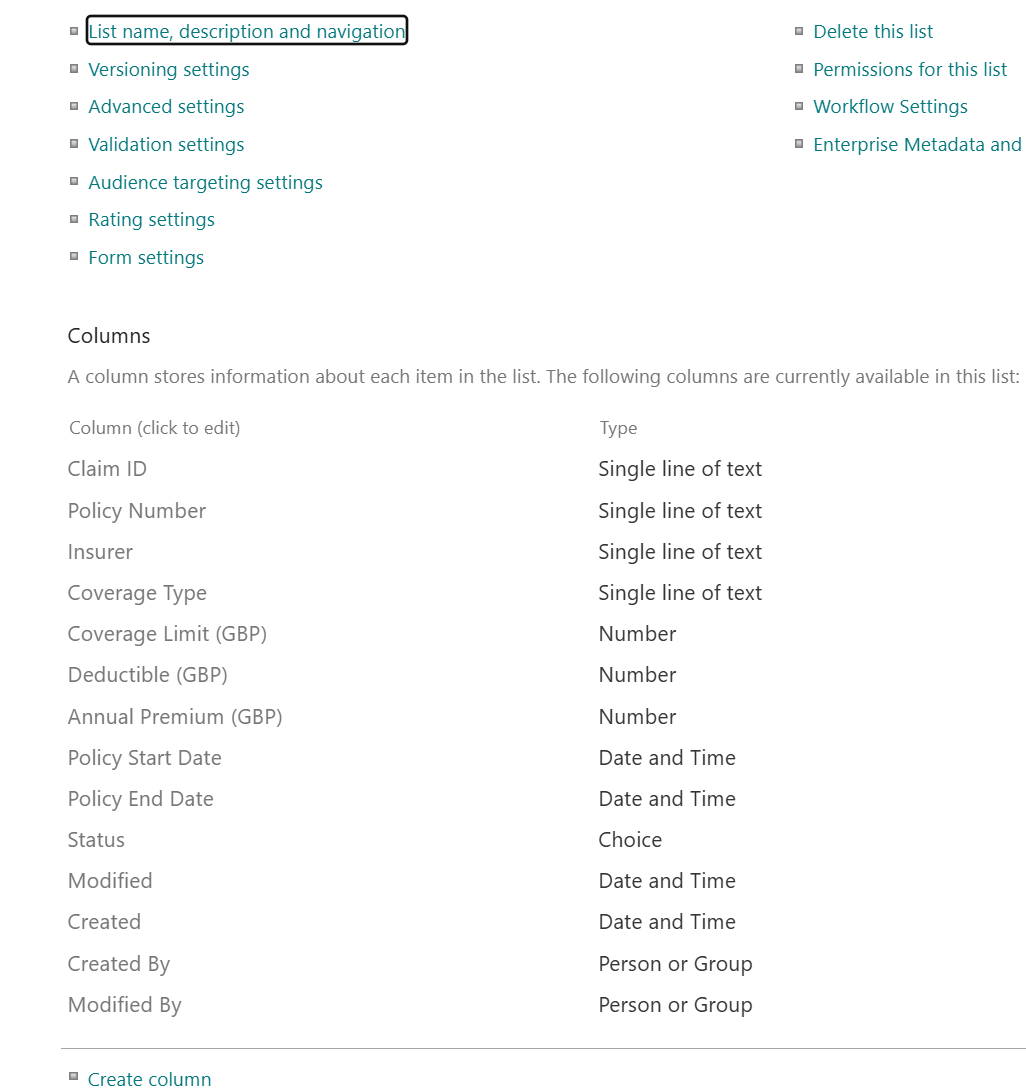
However, display names created by the agent may include whitespace; internal names are preserved and can be corrected if needed:

Columns were created with the provided internal names and the agent updated display names to include spaces where appropriate:
Gotchas
- Columns are created at the library level — verify the target scope before creating fields.
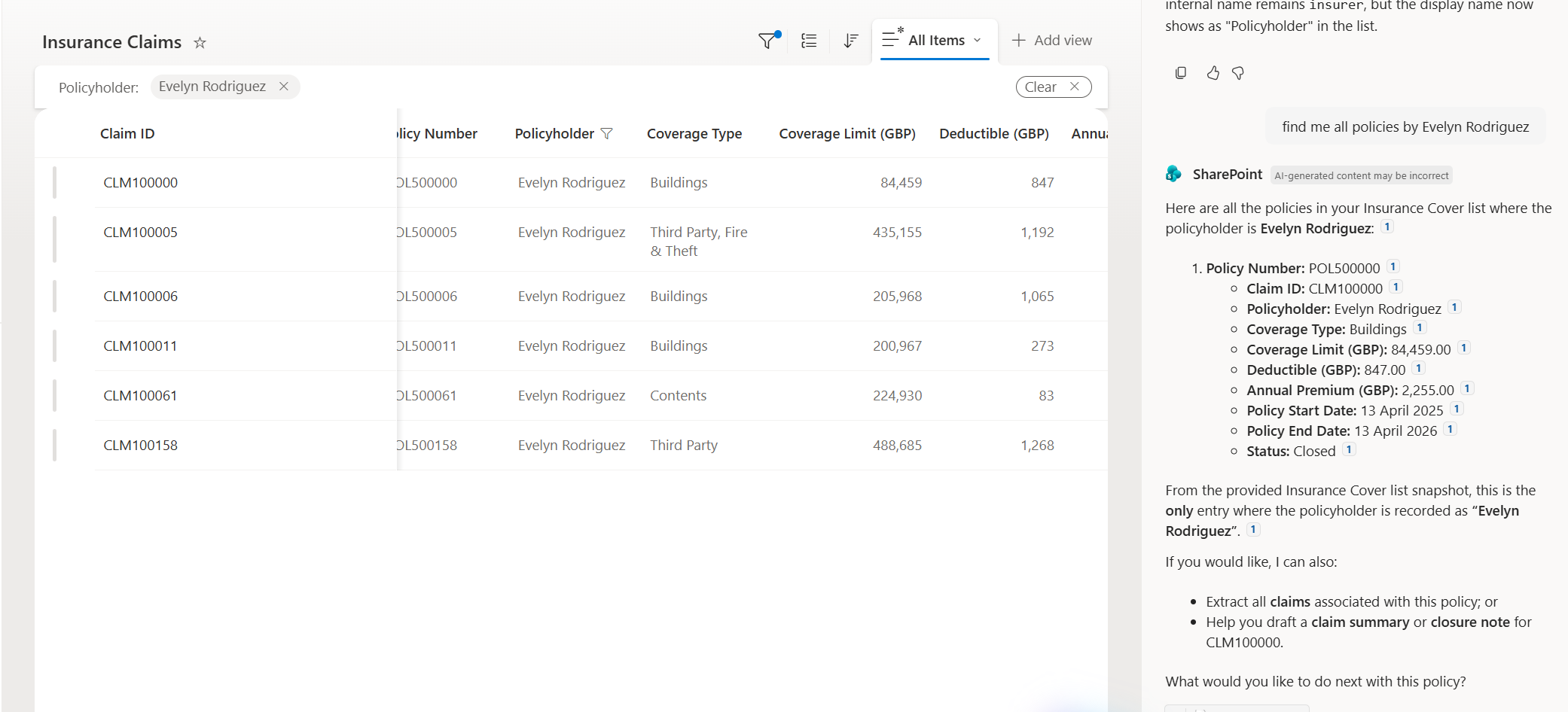
- Search within the newly created list may not return all expected results immediately — reindexing or time may be required for accurate search results.
Notes
- The Modified date and Modified by values remain unchanged after autofill actions are used.
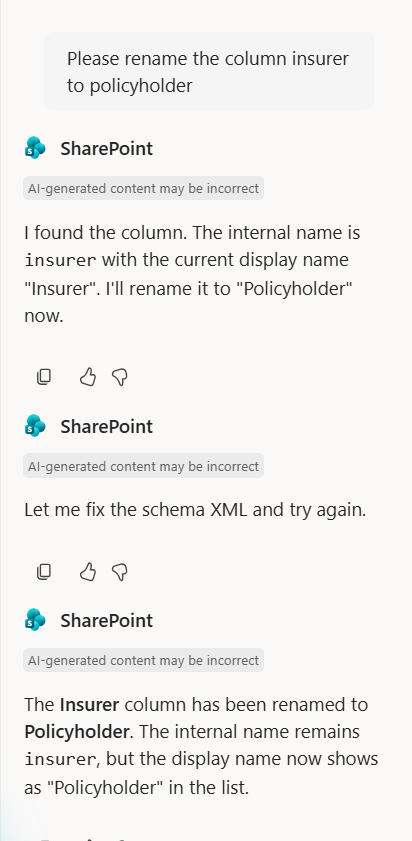
- You can change a column’s display name without changing its internal name.
Next steps
- Review suggested internal names and update any that need stricter typing or validation.
- If search results are inaccurate, trigger a list reindex and confirm that columns are crawled.
- Want me to: preview this post locally, or standardize the code block language/formatting? Reply which option you prefer.